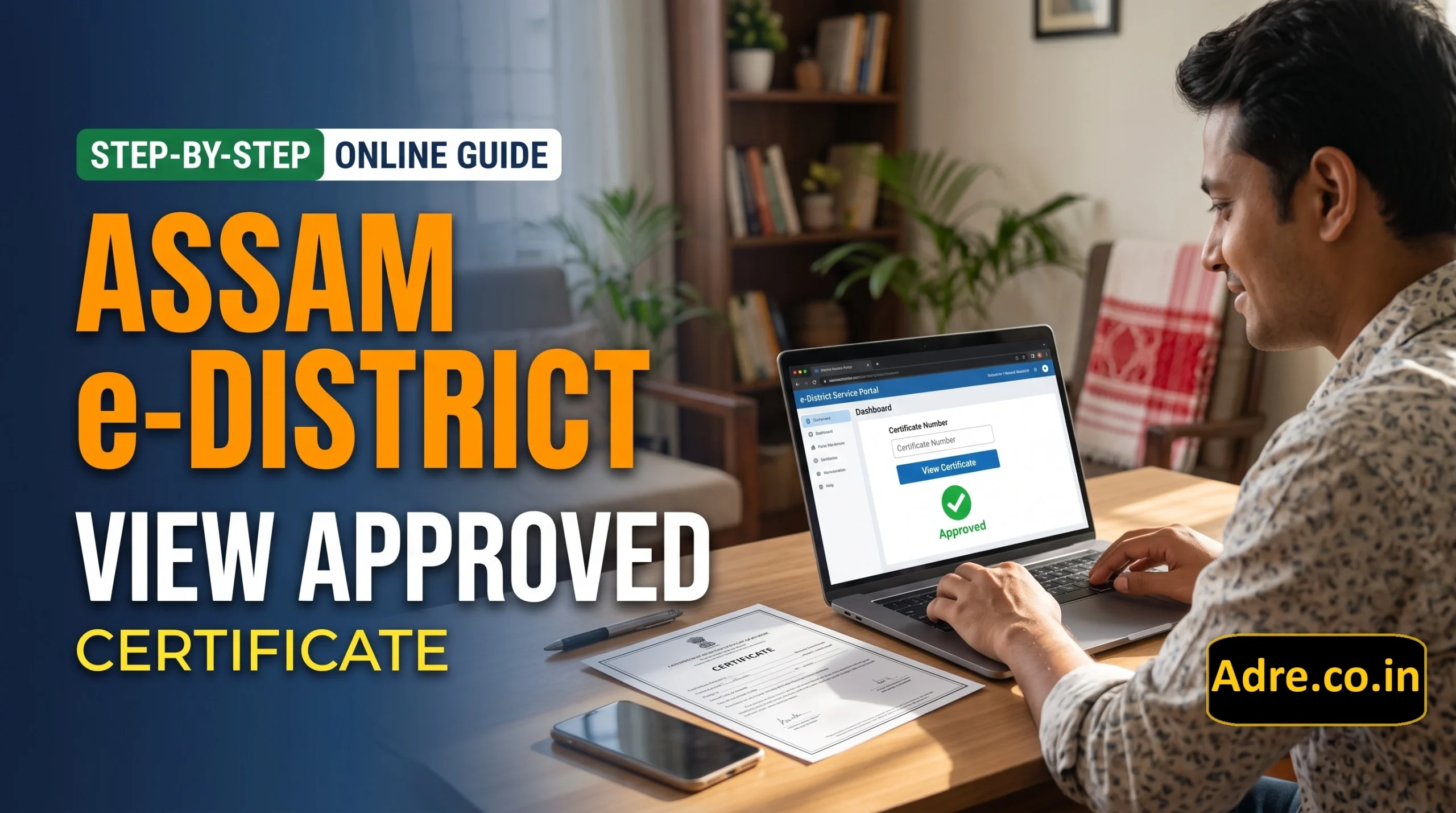
How to View Approved Certificate in Assam e-District Online – Many people in Assam apply online for government certificates but are unsure how to view their certificate after approval. The good news is that the Assam e-District portal provides a View Approved Certificate option that allows users to look up an approved certificate using its certificate number.
If you have already received confirmation that your certificate has been approved, this guide will help you understand how to access the relevant option, enter your certificate number, and check the result online.
1. What Is the Assam e-District Portal?
The Assam e-District portal is an online government service platform designed to make selected public services more accessible to citizens. It supports the delivery of government services through the internet and service centres.
People use e-District services for applications related to eligible certificates and other public services. The portal also provides separate options for checking application status and viewing approved certificates.
Official website: https://edistrict.assam.gov.in/eDistrict/
Always use the official portal when checking government application or certificate information.
2. What Does “View Approved Certificate” Mean?
The View Approved Certificate option is intended for looking up a certificate that has already been approved and has a certificate number.
It is important to understand the difference between an application number and a certificate number:
- Application number: Used to check the progress of an application.
- Certificate number: Used in the portal’s View Approved Certificate section to look up an approved certificate.
If your application is still being processed, you may need to check its status first. Approval and certificate availability are not necessarily the same thing, so follow the information displayed on the official portal.
3. How to View Approved Certificate in Assam e-District
Follow these steps to check your approved certificate online.
Step 1: Visit the Official e-District Website
Open the Assam e-District portal using the link below:
Official portal: https://edistrict.assam.gov.in/eDistrict/
Once the homepage opens, look for the section labelled View Approved Certificate.
Step 2: Find the Certificate Number Field
In the View Approved Certificate section, you will see a field asking for your certificate number. The portal displays a sample certificate-number format beside the field.
Use the certificate number provided for your approved certificate. Do not enter your application number in this field unless the portal specifically instructs you to do so.
Step 3: Enter Your Certificate Number
Carefully type the certificate number into the required field. Check the letters, digits, and hyphens, if any, before continuing.
Even a small typing mistake may prevent the portal from finding the correct record.
Step 4: Submit the Details
After entering the certificate number, select the relevant submit or search control shown on the portal.
The website will process your request. If the record is available, follow the on-screen instructions to view the certificate details or available certificate output.
Step 5: Check the Certificate Details
Review the information displayed on the screen. Check the name and other certificate details carefully to make sure they relate to the correct record.
If the portal provides an option to open or print the certificate, use that option as directed. The available options may depend on the certificate and the portal’s current functionality.
Step 6: Save or Print the Certificate, If Available
If the portal provides a downloadable or printable certificate, save a copy to your device for future reference. You can also print it if you need a paper copy.
Keep the downloaded file safe and avoid sharing personal certificate details publicly.
4. What to Do If Your Approved Certificate Is Not Showing
Sometimes, a certificate may not appear even after the application has been approved. Before contacting support, try these checks.
Check the certificate number: Make sure you entered the correct number exactly as provided.
Confirm the application status: If you only have an application number, use the separate Application Status section on the official portal.
Check the approval details: Confirm that the application has actually been approved and that the certificate number is available.
Try again later: Temporary website or server issues may prevent the record from loading. You can try again after some time.
Contact the official helpdesk: If the problem continues, ask the e-District helpdesk or the relevant service centre for assistance.
Do not share your password, OTP, or other confidential login information with anyone offering unofficial help.
5. Difference Between Application Status and Approved Certificate
Many applicants confuse these two options. The following table explains when to use each one.
| Feature | Application Status | View Approved Certificate |
|---|---|---|
| Main purpose | Check application progress | Look up an approved certificate |
| Required number | Application number | Certificate number |
| When to use it | While tracking an application | After approval, when a certificate number is available |
| Where to access it | Official e-District portal | Official e-District portal |
Both options are available on the Assam e-District portal, but they serve different purposes. Choose the section that matches the number and information you have.
6. Important Tips for Applicants
Keep your application receipt and certificate number in a safe place. These details can help you access the relevant information later.
Always check that the website address belongs to the official Assam e-District portal before entering any personal information. Avoid websites that promise instant certificates in exchange for unnecessary payments or sensitive login details.
If you need a certificate for college admission, employment, or another official purpose, check the receiving institution’s requirements. It is also a good idea to verify that the certificate details are correct before submitting it.
7. Assam e-District Helpdesk
If you cannot view your certificate after following the steps above, contact the official e-District helpdesk for guidance.
- Toll-free helpdesk: 1-800-345-1100
- Alternative helpdesk number: 0361-2724222
- Official portal: https://edistrict.assam.gov.in/eDistrict/
Contact details and support arrangements can change, so check the official portal for the latest information before contacting the helpdesk.
8. Frequently Asked Questions (FAQs)
How can I view an approved certificate in Assam e-District?
Visit the official Assam e-District portal, open the View Approved Certificate section, enter your certificate number, and submit the details. Follow the instructions displayed on the website.
Can I use my application number to view an approved certificate?
The portal has separate fields for application status and approved certificates. The application number is used to check application progress, while the View Approved Certificate section asks for a certificate number.
What should I do if my certificate number is not accepted?
Check the number for typing mistakes and confirm that you are using the certificate number rather than the application number. If the issue continues, contact the official helpdesk.
Can I download my approved certificate online?
If the portal displays an option to open, download, or print the certificate, follow the on-screen instructions. Availability may depend on the certificate record and the portal’s current features.
Is the Assam e-District portal an official website?
Yes. The official e-District portal is hosted on the Government of Assam domain at https://edistrict.assam.gov.in/eDistrict/. Use this official website for certificate-related services.
Is checking an approved certificate the same as checking application status?
No. Application Status is used to track an application, whereas View Approved Certificate is used to look up a certificate using its certificate number.
Conclusion
Viewing an approved certificate through Assam e-District is straightforward when you have the correct certificate number. Visit the official portal, select View Approved Certificate, enter the required details, and follow the instructions shown on the screen.
If your certificate does not appear, double-check the number and application status before contacting the official helpdesk. Using the official website helps you access certificate information more safely and avoid confusion with unofficial services.

ADRE Team publishes trusted updates on Assam Government jobs, education, results, and government schemes at ADRE.co.in.