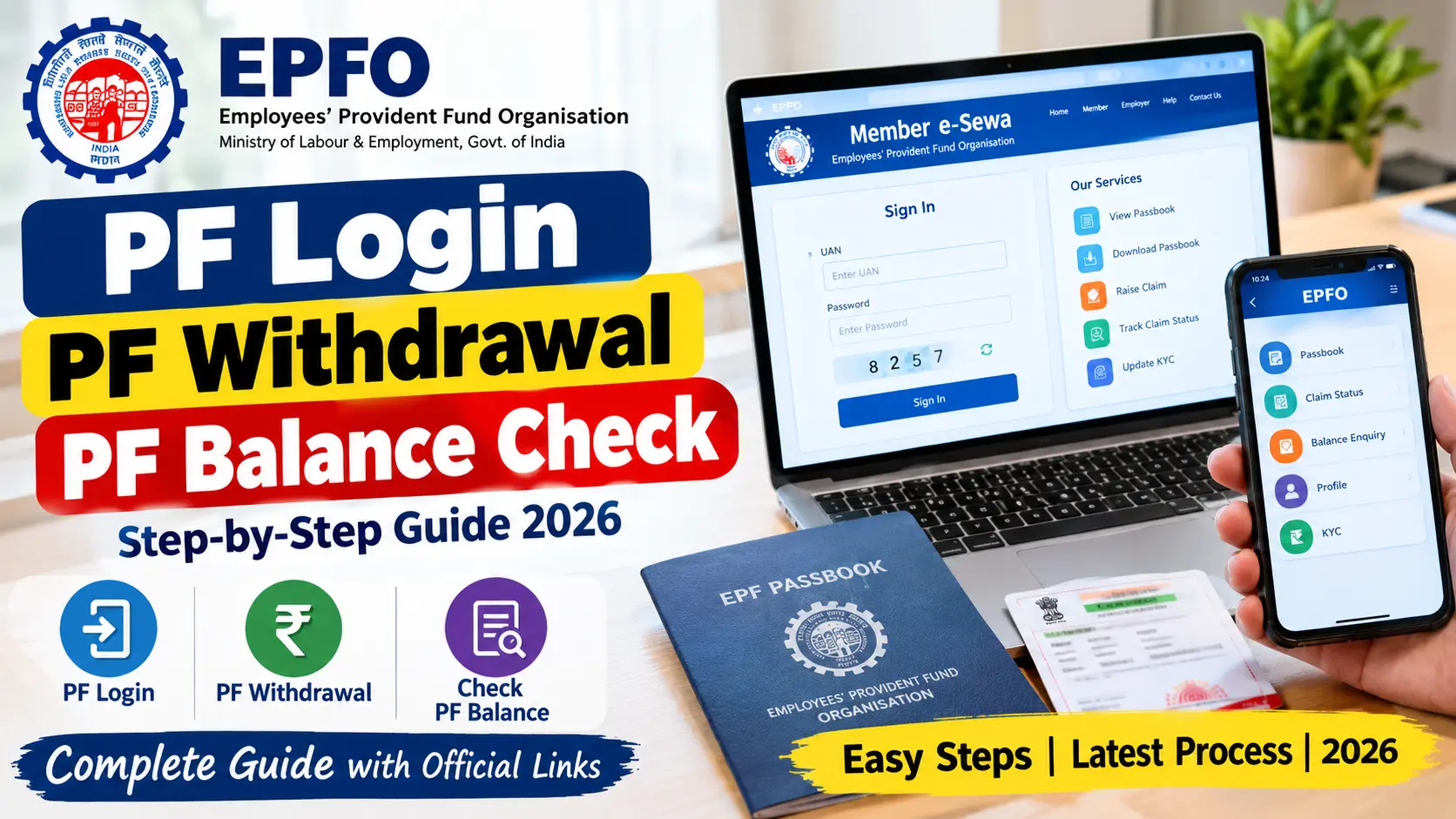
The Employees’ Provident Fund (EPF) is an important savings benefit for salaried employees in India. Every month, eligible employees and their employers contribute towards the provident fund, helping workers build savings for retirement and other eligible needs.
However, many employees are unsure how to access their PF account, check their balance, download their passbook, or withdraw money after leaving a job. Fortunately, the Employees’ Provident Fund Organisation (EPFO) provides online services that allow members to manage many of these activities without visiting an office.
In this guide, you will learn how to complete PF login, PF balance check, PF withdrawal, UAN password recovery, and PF claim status check online using official EPFO services.
Overview of PF Online Services
| Service | Details |
|---|---|
| Organisation | Employees’ Provident Fund Organisation (EPFO) |
| Scheme | Employees’ Provident Fund (EPF) |
| Login ID | Universal Account Number (UAN) |
| PF balance check | Online passbook, SMS or missed call |
| PF withdrawal | Online claim, subject to eligibility |
| PF passbook | Available through the official passbook portal |
| Official website | https://www.epfindia.gov.in/ |
1. What Is EPF and How Does It Work?
The Employees’ Provident Fund is a retirement savings scheme administered by EPFO under the Ministry of Labour and Employment, Government of India.
Under the applicable rules, employees and employers make contributions towards the provident fund. The employee’s contribution is deducted from salary, while the employer contributes according to the applicable EPF provisions. The employer’s contribution may be divided between EPF and the Employees’ Pension Scheme (EPS), depending on the rules and the employee’s circumstances.
The PF account helps employees accumulate savings during their working years. Members can check their contributions, review account transactions, and apply for withdrawals when they meet the relevant eligibility requirements.
Your PF account is connected to your employment records and UAN. If you change jobs, the same UAN generally helps you manage PF accounts associated with different employers.
2. How to Complete PF Login Online
Employees can log in to the EPFO Member e-Sewa portal to access their PF-related services. You generally need your UAN, password, and the displayed verification code.
Follow these steps to complete your PF login.
Step 1: Visit the official EPFO member portal
Open the official website:
https://unifiedportal-mem.epfindia.gov.in/memberinterface
Step 2: Enter your UAN
Enter your Universal Account Number in the required field.
Step 3: Enter your password
Type the password associated with your UAN account.
Step 4: Complete the captcha
Enter the verification code displayed on the screen, if requested.
Step 5: Click Sign In
After successful verification, you should be able to access your member dashboard.
From the available menus, you can access services such as viewing account details, managing KYC information, checking eligible online claims, and reviewing employment-related information.
What Is UAN?
UAN stands for Universal Account Number. It is a unique number assigned to an EPF member to help connect multiple PF member IDs associated with different jobs.
Your UAN is different from an individual PF member ID. When you change employers, your new employer may create a new member ID under your existing UAN.
How to Activate Your UAN
If your UAN has not been activated, check the current activation instructions on the official EPFO portal. EPFO’s member portal currently directs members to use the UMANG app for UAN activation and new UAN generation through Aadhaar-based face authentication.
Official website: https://unifiedportal-mem.epfindia.gov.in/memberinterface/
Use only official EPFO or UMANG services, and follow the current on-screen instructions.
3. How to Check PF Balance Online
Checking your PF balance regularly helps you understand your accumulated savings and verify whether contributions are being credited to your account.
EPFO provides an online passbook service where eligible members can view their contribution details and account transactions.
Method 1: Check PF Balance Through the EPFO Passbook Portal
Follow these steps to check your PF balance online.
- Visit the official EPFO passbook website: https://passbook.epfindia.gov.in/MemberPassBook/login
- Enter your UAN.
- Enter your EPFO member portal password.
- Complete the captcha or other verification requested by the website.
- Sign in to your account.
- Select the relevant PF member ID.
- Open the passbook to review your contribution history and available balance details.
You can also download the passbook if the download option is available.
Important: Passbook access may be unavailable for some exempted establishments or during technical maintenance. If you cannot access the service, check the EPFO website for the applicable instructions.
Method 2: Check PF Balance Through a Missed Call
EPFO provides a missed-call facility for eligible members.
To use this service:
- Ensure your UAN is activated.
- Check that the required KYC details are updated in your EPFO account.
- Give a missed call to 9966044425 from the registered mobile number associated with your UAN.
The call should disconnect automatically. If your account meets the service requirements, you may receive an SMS containing your PF account information.
If the service does not respond, verify the current instructions on the official EPFO website.
Method 3: Check PF Balance Through SMS
Eligible members can also use EPFO’s SMS service.
Send the following message from your registered mobile number:
EPFOHO UAN ENG
Send it to 7738299899.
Replace ENG with the appropriate supported language code if you prefer another available language. The service requires the relevant UAN and account details to be properly linked.
For example, the SMS service may provide information about your PF contribution and available balance, depending on your account and service eligibility.
Official reference: https://www.epfindia.gov.in/
Method 4: Check PF Details Through UMANG
The UMANG app also provides access to various government services, including eligible EPFO services.
To use it:
- Download the official UMANG app from a trusted app store.
- Open the app and find EPFO services.
- Select the relevant member service.
- Complete the requested verification.
- Follow the instructions to view the available PF information.
The services displayed may vary depending on your account and the facilities currently available.
4. How to Download Your PF Passbook
Your EPF passbook records contributions and transactions associated with your PF account. It is useful when checking whether contributions have been credited correctly.
To download your PF passbook:
- Open https://passbook.epfindia.gov.in/MemberPassBook/login
- Log in using your UAN and password.
- Select the relevant member ID.
- Open the passbook.
- Review the available account entries.
- Use the download or print option if available.
The passbook may show employee contributions, employer PF contributions, applicable interest entries, and other transactions.
Remember that your passbook balance and your pension-related details are not necessarily the same thing. The EPS pension component follows separate rules, and it should not be treated as ordinary withdrawable PF savings.
5. How to Withdraw PF Money Online
EPFO permits online PF claims for eligible members. The claim type depends on whether you want a final PF settlement, an eligible advance, or a pension-related withdrawal benefit.
Before applying, check that your UAN is active and that the required identity, bank, and other details are correctly recorded in your EPFO account.
Types of PF Withdrawal
1. Final PF settlement — Form 19
This form is generally used to claim the final settlement of EPF savings when the applicable conditions are satisfied, such as the relevant employment-exit requirements.
2. PF advance or partial withdrawal — Form 31
This form is used for eligible partial withdrawals or advances for permitted purposes. Eligibility, limits, and supporting requirements depend on the reason for the claim and the applicable EPF provisions.
3. Pension withdrawal benefit — Form 10C
This form is used for eligible benefits under the Employees’ Pension Scheme. The rules differ from those for an ordinary PF withdrawal, and eligibility depends on factors such as pensionable service and the member’s circumstances.
The appropriate form is determined by your situation. Do not assume that all three forms are available to every member.
Step-by-Step Process for Online PF Withdrawal
Step 1: Open the EPFO member portal
Visit:
https://unifiedportal-mem.epfindia.gov.in/memberinterface
Step 2: Log in to your account
Enter your UAN, password, and the requested verification details.
Step 3: Check your personal and KYC details
Review the available profile information and confirm that your Aadhaar, bank account, and other required details are correctly recorded.
If any information is incorrect, follow the relevant EPFO correction process before submitting a claim.
Step 4: Open Online Services
Select the Online Services menu and look for the claim option, such as the option for Form 31, Form 19, or Form 10C.
The available options depend on your eligibility and account records.
Step 5: Verify your member information
Follow the instructions to verify the displayed information and provide any required bank details or other information.
Step 6: Select the appropriate claim
Choose the claim type that matches your circumstances. For a final settlement, eligible members generally use Form 19. For an eligible advance, Form 31 may apply.
Step 7: Complete the requested verification
Follow the on-screen instructions, including Aadhaar-based OTP verification or other authentication if required.
Step 8: Submit the claim
Review the details carefully before submitting your application. Save the acknowledgement or claim reference number for future use.
Step 9: Track the claim
Use the available EPFO claim-status facility to check the progress of your application.
Submitting a claim does not guarantee immediate approval. EPFO may require additional verification or corrections before processing the payment.
6. What Are the Documents and Details Required for PF Withdrawal?
The exact requirements depend on the claim type, your employment history, and the information already available in EPFO records.
Commonly required details include:
- Active UAN and access to the associated account.
- Aadhaar details linked to the member account, where required.
- Bank account details and IFSC recorded in EPFO records.
- Correct personal information and KYC details.
- Date of joining and date of exit, where relevant to the claim.
- PAN details where applicable, including for certain final settlement and tax-related situations.
- Additional information or supporting documents if requested for the particular claim.
Before submitting a claim, check the current instructions on the official EPFO portal. Do not upload unnecessary sensitive documents to unofficial websites.
7. How to Check PF Withdrawal Claim Status
After submitting a withdrawal application, you can check its status online.
Follow these steps:
- Visit the official EPFO member portal.
- Log in using your UAN and password.
- Open the Online Services menu.
- Look for the claim-status or track-claim option available to your account.
- Review the latest status displayed.
You may also use the relevant claim-status facility listed on the official EPFO website.
Official website: https://www.epfindia.gov.in/
Common PF Claim Status Meanings
The wording may differ depending on the portal and claim type.
| Status | General meaning |
|---|---|
| Submitted | Your application has been received. |
| Under process | Your claim is being examined or processed. |
| Approved or settled | The claim has been approved or processed according to the displayed status. Check your bank account for the payment. |
| Rejected | The claim was not accepted. Review the recorded reason and follow the appropriate correction or appeal process. |
| Payment pending or not received | The claim or payment may require further checking. Review the official status and your bank details. |
If your claim remains pending longer than expected, check the official EPFO guidance and consider submitting a grievance through the EPFiGMS portal.
Grievance portal: https://epfigms.gov.in/
8. What to Do If You Forget Your PF Login Password
Forgetting your UAN password is a common problem. EPFO provides a password-recovery option on the member portal.
Follow these steps:
- Open the official EPFO member portal.
- Click the Forgot Password option.
- Enter your UAN when requested.
- Complete the verification process.
- Follow the instructions sent to your registered mobile number.
- Reset your password if the recovery process permits it.
If you no longer have access to your registered mobile number, follow the portal’s current identity-verification and recovery instructions.
Never share your password or OTP with another person claiming to be an EPFO official.
9. Common PF Login and Withdrawal Problems
Members may sometimes face difficulties while checking their balance or submitting claims. The following solutions may help.
Problem 1: UAN or Password Is Incorrect
Check that you have entered the correct UAN and password. If you have forgotten your password, use the official recovery option instead of repeatedly trying incorrect combinations.
Problem 2: Aadhaar Is Not Linked or Verified
Some online claims require Aadhaar details to be linked and verified. Review your KYC information and follow the official correction or verification process if a mismatch appears.
Problem 3: Bank Details Are Incorrect
An incorrect account number, IFSC, or other bank detail can affect claim processing. Check the details recorded in your EPFO account and follow the applicable procedure to correct them.
Problem 4: Date of Exit Is Missing
Certain final settlement claims require the date of exit to be recorded. If this information is missing or incorrect, check the applicable EPFO procedure and contact your employer if employer-side information needs correction.
Problem 5: PF Passbook Is Not Opening
The passbook service may be temporarily unavailable or may not support a particular account. Try again later and check the official portal for notices about service availability.
Problem 6: PF Withdrawal Is Rejected
Read the rejection reason shown in the claim-status service. Depending on the reason, you may need to correct KYC details, resolve an employment-record issue, provide additional information, or submit a fresh eligible claim.
Do not submit repeated claims without understanding the problem with the earlier application.
10. Important Things to Know Before Withdrawing PF
PF savings are intended to support employees, particularly during retirement. Although withdrawals are permitted under specific circumstances, it is sensible to understand the rules before taking money out.
Keep the following points in mind:
- Eligibility matters: Full settlement and partial withdrawals have different conditions.
- Employment status matters: Leaving a job, changing employers, and retiring can lead to different claim options.
- Tax rules may apply: Certain PF withdrawals can be taxable depending on the applicable rules, service period, and other circumstances.
- Pension benefits are different: EPS benefits are subject to separate eligibility requirements.
- Transfer may be preferable: When changing jobs, transferring your PF balance to the appropriate account may be more suitable than withdrawing the savings.
- Keep your details updated: Correct identity, bank, and employment information can help prevent avoidable claim issues.
For complicated tax or pension questions, consult the relevant official guidance or a qualified professional.
11. Is It Safe to Check PF Balance Online?
Yes, using the official EPFO website or other authorised government services is the appropriate way to access your PF account.
However, you should take basic security precautions.
- Use official websites with the correct government domain.
- Never share your UAN password or OTP with strangers.
- Avoid links sent through suspicious messages or social media.
- Do not pay an unknown person who promises guaranteed PF withdrawal or faster settlement.
- Log out after using your account on a shared computer.
- Check your account information regularly and report suspicious activity through official channels.
EPFO warns members not to respond to calls asking for personal information or payments. Treat unexpected requests for Aadhaar, PAN, bank information, passwords, or OTPs with caution.
12. Frequently Asked Questions About PF Login, Withdrawal and Balance Check
Q1. How can I check my PF balance online?
Visit the official EPFO passbook portal, log in with your UAN and password, select your PF member ID, and open the passbook to review the available balance and transaction details.
Q2. Can I check my PF balance without logging in?
Eligible members can use EPFO’s missed-call or SMS facilities. The missed-call number is 9966044425, and the SMS service number is 7738299899. The required account conditions must be satisfied.
Q3. What is the official website for PF login?
The official EPFO Member e-Sewa portal is:
https://unifiedportal-mem.epfindia.gov.in/memberinterface
Q4. How can I withdraw PF money online?
Log in to the EPFO member portal, open Online Services, select the appropriate claim option, complete the required verification, and submit the application if you are eligible.
Q5. Which form is used for PF withdrawal?
Form 19 is generally used for final PF settlement, Form 31 for eligible advances or partial withdrawals, and Form 10C for eligible pension withdrawal benefits. The correct form depends on the member’s circumstances.
Q6. Can I withdraw my entire PF balance while working?
Not in every situation. Full settlement is subject to the applicable conditions. Eligible employees may qualify for specific partial withdrawals, depending on the reason and the relevant rules.
Q7. How long does PF withdrawal take?
Processing time varies according to the claim type, verification requirements, and current EPFO workload. Check the claim-status facility for the latest information rather than relying on a guaranteed number of days.
Q8. What should I do if my PF withdrawal claim is rejected?
Review the rejection reason on the official portal. Correct the relevant details or resolve the issue identified by EPFO, then follow the applicable procedure for submitting or escalating the claim.
Q9. Can I check PF balance using my mobile phone?
Yes. You can access the official EPFO passbook website using a compatible mobile browser. Eligible members may also use supported EPFO services through UMANG, SMS, or the missed-call facility.
Q10. Is UAN the same as a PF account number?
No. UAN is the unique number used to connect an EPF member’s accounts across jobs. A PF member ID identifies an individual membership account associated with an establishment.
Q11. What should I do if my PF amount has not been credited?
Check the claim status and confirm that the bank details recorded with EPFO are correct. If the claim is shown as settled but the money has not arrived, contact the appropriate bank or EPFO support channel with your claim reference.
Q12. Is there any fee for checking PF balance on the official website?
Members can use the official online passbook facility without paying an unofficial agent. Avoid websites or individuals demanding money to provide access to your own PF information.
Conclusion
EPF online services make it easier for employees to manage their provident fund accounts. With your UAN and the necessary account details, you can log in to the EPFO member portal, check your PF balance, download your passbook, submit eligible withdrawal claims, and track their status.
Before applying for a withdrawal, always check your eligibility, verify your KYC and bank information, and select the correct claim type. If you encounter an error, use official EPFO support channels rather than relying on unverified agents.
For the safest and most accurate information, visit the official EPFO website at https://www.epfindia.gov.in/ and follow the latest instructions published by the organisation.

ADRE Team publishes trusted updates on Assam Government jobs, education, results, and government schemes at ADRE.co.in.